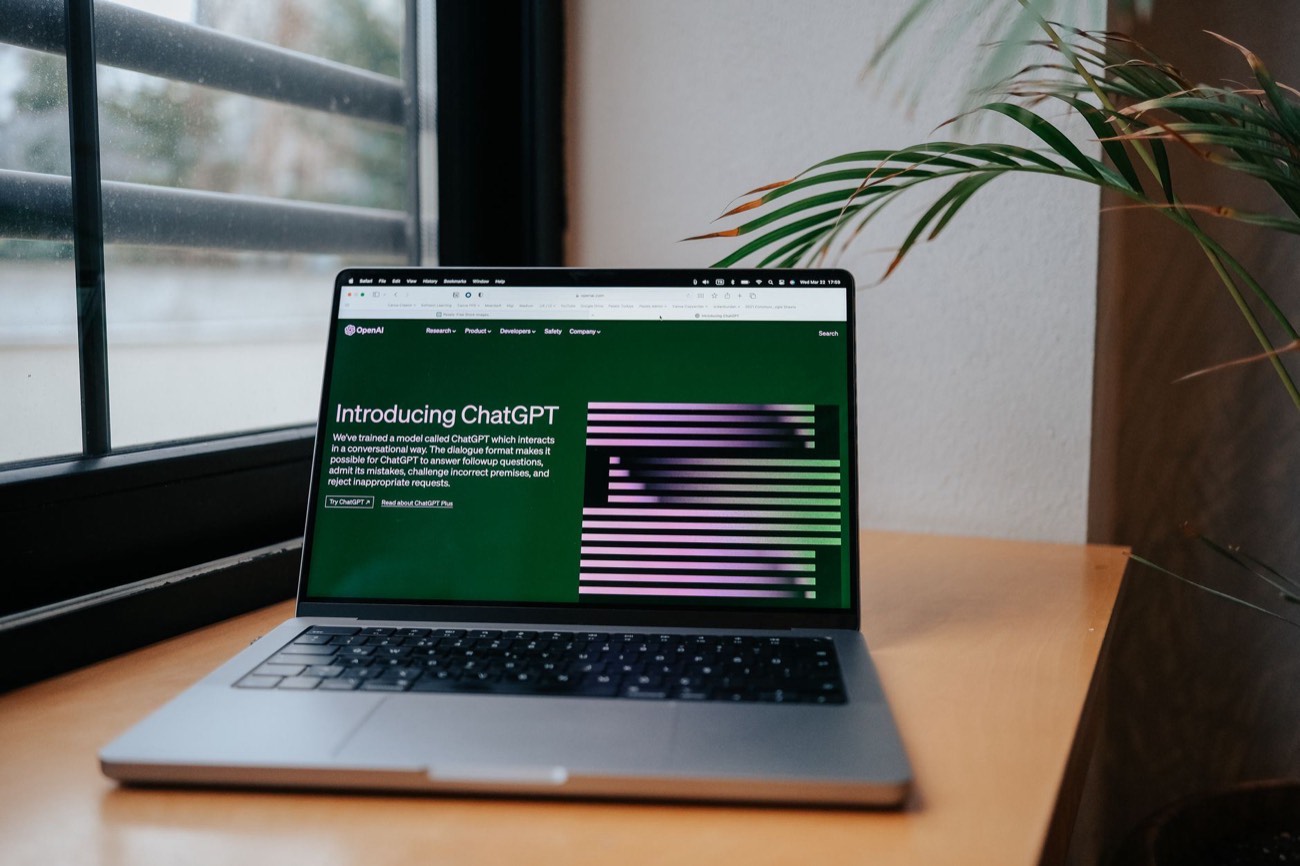
For most students, a free general chatbot plus NotebookLM covers almost everything: studying, understanding hard concepts, research, and writing feedback. ChatGPT, Claude, or Gemini act as an endlessly patient tutor that quizzes you and explains until it clicks. NotebookLM answers only from the notes and readings you upload, so it invents fewer facts, ideal for research and revision. The trick is using these tools to learn, not to skip learning. Below are the tools I tested, matched to the job, plus the one honest rule that keeps AI on the right side of academic integrity. No bloated list, just the ones that earn their place.
The one rule before any tool
AI is either the best study aid you’ve had or a fast way to fail a course, and the difference is entirely how you use it. Use it to understand and practice: explain this, quiz me, find gaps, critique my draft. Don’t use it to produce work you submit as yours. Same chatbot, opposite outcomes.
And check your course policy first. Rules vary wildly by school and instructor, and “I didn’t know it was banned” won’t help you. When unsure, ask the instructor directly.
The tools, by job
| Tool | Best for | Free tier | Watch out for |
|---|---|---|---|
| ChatGPT / Claude / Gemini | Explaining, quizzing, outlining | Yes | Can state wrong facts confidently |
| NotebookLM | Research grounded in your sources | Yes | Only as good as what you upload |
| Grammarly | Grammar and clarity checks | Yes (limited) | Don’t let it rewrite your voice |
| Otter / built-in transcription | Lecture notes from audio | Yes (limited) | Check accuracy on technical terms |
| Quizlet / Anki (+ AI cards) | Flashcards, spaced repetition | Yes | Spot-check AI-made cards |
Free tiers and features change often.
General chatbots: your patient tutor
A free chatbot is the single most useful AI tool for students. Its best trick isn’t answering questions, it’s quizzing you. Paste your notes and say: “Quiz me one question at a time, wait for my answer, then tell me what I missed.” That’s active recall, the study method that actually builds memory.
It’s also unbeatable for understanding hard concepts. Ask it to “explain [topic] with a simple analogy” and then “explain it again like I’m 12” until it clicks. Between the three, ChatGPT and Claude tend to be strongest for detailed explanations and following instructions; Gemini shines if you live in Google apps. Our ChatGPT vs Claude comparison helps you pick.
The catch: chatbots can state wrong facts, especially dates, formulas, and citations, with total confidence. Verify anything you’ll be graded on.
NotebookLM: research that sticks to your sources
NotebookLM is a standout for students because it answers only from the documents you upload, your readings, lecture slides, PDFs, and notes. That grounding means far fewer made-up facts, and it can cite which of your sources a claim came from. Use it to ask questions across a semester of readings, generate summaries, or make a study guide from your actual course material rather than the whole internet.
It’s the best answer to “I have 200 pages of readings and an exam Friday.”
Writing help without crossing the line
Grammarly and the chatbots are genuinely useful for writing, if you use them for feedback, not ghostwriting. Good prompts: “Point out where this paragraph is unclear, but don’t rewrite it,” or “What’s the weakest part of my argument?” You do the writing; AI plays editor. That’s allowed almost everywhere and makes you a better writer.
Having AI write the essay, then lightly editing it? That’s the line most schools draw, and crossing it risks real penalties. When in doubt, keep the AI on the feedback side.
Notes and lectures
Transcription tools (Otter and the ones built into your devices) turn a recorded lecture into searchable text you can then summarize with a chatbot. Record only with permission, and double-check accuracy on technical terms and names, transcription still stumbles on jargon.
Flashcards and spaced repetition
Quizlet and Anki remain the gold standard for memorization, and AI supercharges them. Paste notes into a chatbot and ask for “20 Q&A flashcards,” then import them. You get a full deck in a minute instead of an hour. Spot-check a few cards against your source before trusting them.
The bottom line
You don’t need a pile of specialized apps. A free chatbot for tutoring and quizzing, NotebookLM for source-grounded research, and a flashcard app for memorization cover the vast majority of student work, all free. Use them to understand the material yourself, respect your course’s AI policy, and verify graded facts. Do that, and AI is the best study partner you’ll ever have.
For the how-to, see how to use AI to study more effectively and how to write AI prompts. Brand new to chatbots? Start with how to use ChatGPT.