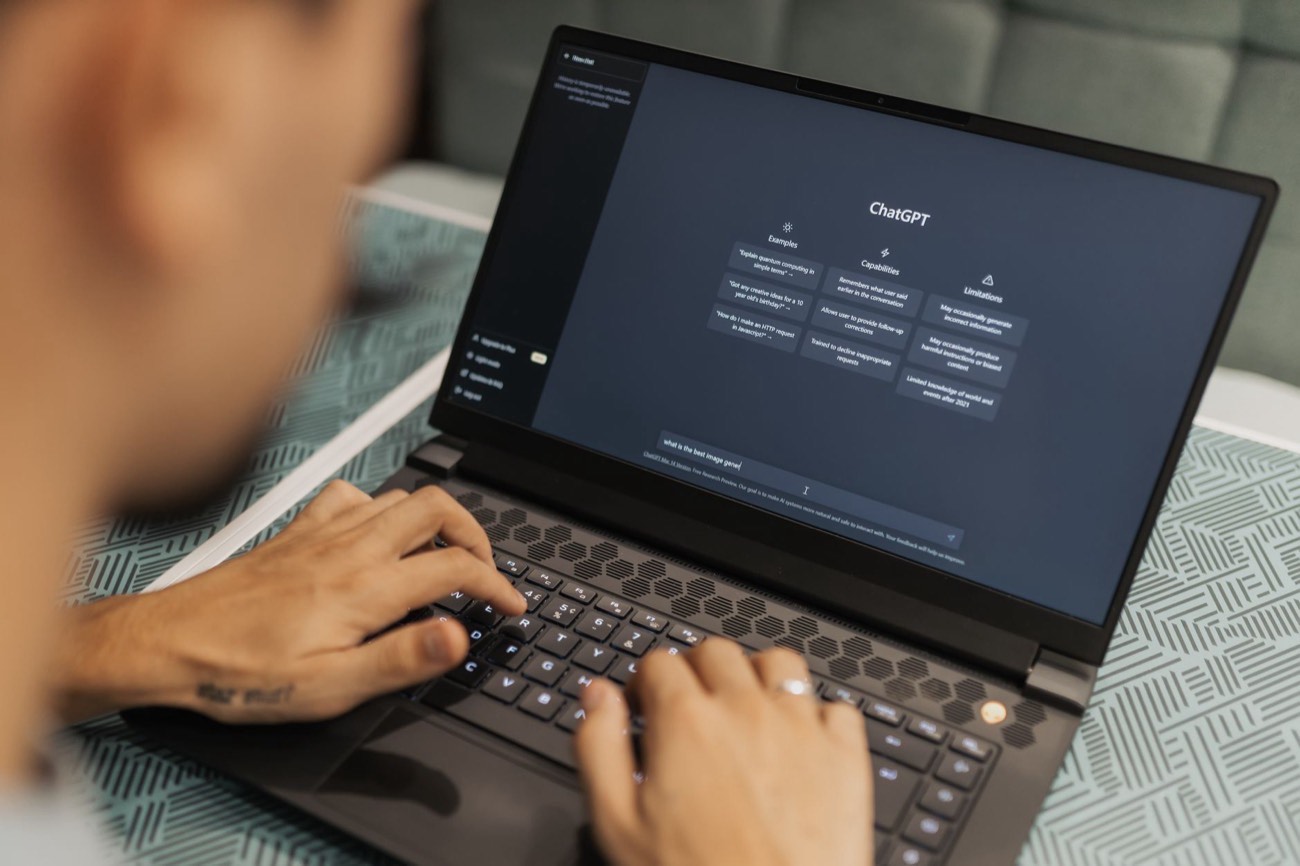
ChatGPT is a free AI chatbot you talk to in plain English. To use it, go to chat.openai.com or download the app, create a free account, and type a question or request into the message box at the bottom. Press Enter and it answers in seconds. You can ask it to write an email, explain a topic, summarize text, plan a trip, or brainstorm ideas. The trick to good results is being specific: tell it who you are, what you want, and how long the answer should be. Then keep chatting to refine the reply until it’s right.
With more than a billion people using it every month as of mid-2026, ChatGPT has become the default way most people first try artificial intelligence. The good news: you don’t need any technical skill to use it well. This guide walks you through your first session and the handful of habits that separate a frustrating chat from a genuinely useful one.
What is ChatGPT, in plain English?
ChatGPT is a program you have a conversation with by typing. Behind the scenes it was trained on an enormous amount of text, so it can recognize patterns in language and produce sentences that read like a knowledgeable person wrote them. You ask; it responds; you can ask follow-up questions and it remembers the earlier parts of that same conversation.
Think of it as a very fast, very well-read assistant who is occasionally wrong and never gets tired. It’s great at drafting, explaining, summarizing, and reorganizing. It’s less reliable for hard facts, recent news, and math, so you verify those yourself.
How to set up ChatGPT for the first time
Getting started takes about two minutes.
- Open the site or app. Go to chat.openai.com in any browser, or download the free official app from the App Store or Google Play. Watch for copycat apps with ads or fees; the real one is made by OpenAI.
- Create a free account. Sign up with an email address, or use “Continue with Google” or “Continue with Apple” to skip creating a new password.
- Verify your email or phone if asked. This is a one-time step.
- Land on the chat screen. You’ll see a big empty box that says something like “Ask anything.” That’s where you type.
- Type your first message and press Enter. That’s it, you’re using ChatGPT.
You don’t have to pay. The free plan covers nearly everything a beginner needs. Paid plans exist for heavier users, but start free and upgrade only if you hit limits.
Free vs. paid: which plan do you need?
Here’s how the main tiers compare so you can decide.
| Plan | Price | Best for | Key limits |
|---|---|---|---|
| Free | $0 | Everyday questions, drafting, learning | Slower at busy times; limited access to newest models |
| Plus | ~$20/month | Regular users who want speed and the latest features | Usage caps still apply on the most advanced model |
| Team / Business | ~$25-30/user/month | Small teams sharing an account with privacy controls | Priced per seat |
For most people reading this, the free plan is the right starting point. Use it for a week before deciding whether you need more.
Writing your first prompt
A “prompt” is just the message you send. The single biggest improvement you can make is to stop typing one-word requests and start giving context. Compare these two:
- Weak: “Write a cover letter.”
- Strong: “Write a short cover letter for a part-time bookstore job. I’m a college student with two years of retail experience and I love books. Keep it under 200 words and friendly, not stiff.”
The second prompt tells ChatGPT who you are, what the job is, what tone you want, and how long the answer should be. That’s four pieces of context, and the result will be dramatically better.
A simple recipe to remember: role + task + details + format. Want to go deeper? See our full guide on how to write AI prompts that get better results.
Everyday things you can ask ChatGPT to do
Once you’re comfortable, ChatGPT earns its keep on ordinary tasks. A few tested examples:
- At work: “Turn these five bullet points into a polite email to my manager asking for a deadline extension.” It’s genuinely handy for tightening up messages, which we cover in how to use AI to write emails.
- For a job hunt: paste your experience and ask it to help build or improve your resume. See how to write a resume with AI for the step-by-step.
- At home: “Give me a three-day dinner plan for two people, no seafood, using mostly what’s cheap this time of year, with a shopping list.”
- For studying: “Explain how compound interest works like I’m 15, then give me one practice problem.”
- To understand something fast: paste a dense paragraph and ask, “Summarize this in three plain sentences.”
Keep the conversation going
You rarely get the perfect answer on the first try, and that’s fine. ChatGPT remembers everything in the current chat, so you refine instead of starting over. Useful follow-ups:
- “Make it shorter.”
- “That’s too formal, loosen it up.”
- “Redo it but for a British audience.”
- “Give me three different versions.”
- “Now turn that into a bulleted list.”
Treat it like a back-and-forth with a colleague. Each nudge gets you closer.
The habits that keep you out of trouble
ChatGPT is powerful but not perfect. Four rules keep you safe:
- Verify facts. It can invent statistics, quotes, book titles, and citations that look real. Check anything important against a trustworthy source. Never rely on it alone for health, legal, or money decisions.
- Watch the date. The free version may not know about very recent events. If timing matters, confirm elsewhere.
- Protect private data. Don’t paste passwords, bank numbers, or confidential client information. In Settings, you can turn off chat history so your messages aren’t used for training.
- Own the output. Read and edit what it produces. It’s a first draft, not a final answer, and your judgment is what makes it good.
Where to go next
You now know enough to be genuinely useful with ChatGPT: sign in, give context, refine, and verify. From here, the best move is practice on real tasks you already do. Pick one, write a specific prompt, and see what comes back. If the answer isn’t right, tell it why and try again, that feedback loop is the whole skill.
When you’re ready to level up, our guide to writing AI prompts shows the small tweaks that turn okay answers into great ones, and the best free AI tools covers what else is worth trying beyond ChatGPT.