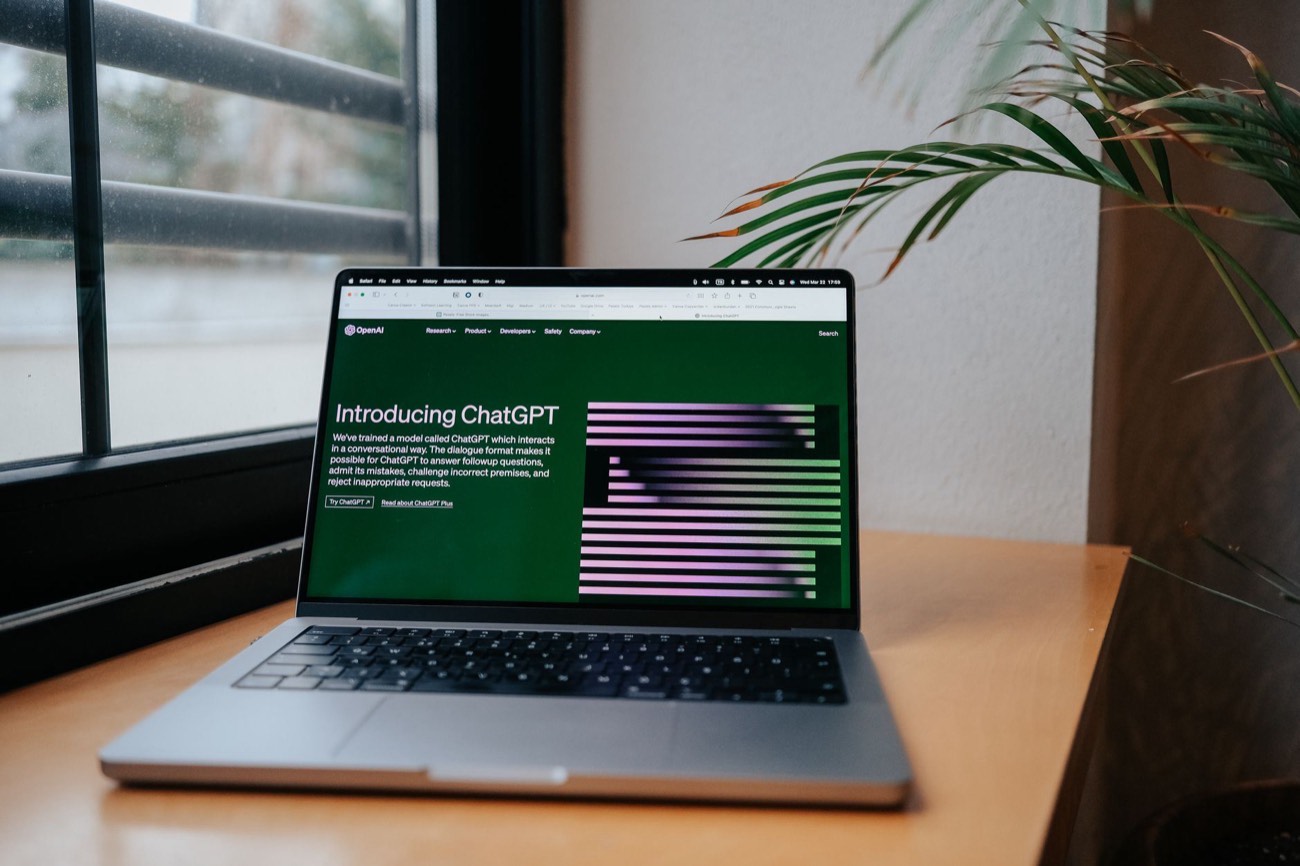
The best free AI tools are the ones you’ll actually reopen tomorrow, not the flashiest demo. After using each of these for real work, five earned a permanent spot: ChatGPT and Claude for writing and thinking out loud, Gemini for anything tied to Google, Perplexity for web research with sources, and Canva Magic tools for quick visuals. Every one has a genuinely usable free tier, so you can do meaningful work without paying. The limits show up as daily caps and slower models once you’re heavy, not locked features. Below is what each does best, where the free plan pinches, and how to pick without overthinking it.
What “free” really means with AI tools
Free AI tools rarely charge you money, but they charge you in caps. You’ll hit a message limit, get bumped to an older model, or wait in a queue at busy times. That’s fine for everyday use. It becomes annoying only if you’re generating dozens of images a day or running long research sessions back to back.
The other cost is your data. Several free tools use your conversations to train their models unless you opt out. The fix is one settings toggle, and I’ll flag it where it matters. Rule of thumb: treat any free AI chat like a public forum. Great for drafting an email, wrong for pasting your bank statement.
The 5 free AI tools worth keeping
Here’s the honest short list, with what each one is actually for.
| Tool | Best for | Free-tier limit | Watch out for |
|---|---|---|---|
| ChatGPT | Drafting, brainstorming, everyday questions | Daily cap on the newest model, then a lighter one | Training on by default; toggle it off |
| Claude | Natural-sounding writing, long documents | Message cap that resets every few hours | Fewer web features on free plan |
| Gemini | Google Docs, Gmail, quick web answers | Generous daily use | Best value only if you live in Google |
| Perplexity | Web research with cited sources | Standard searches free; “Pro” searches limited | Cites well, still verify the source |
| Canva Magic | Social graphics, quick image edits | Limited Magic uses per month | Watermarks on some premium assets |
ChatGPT — the default starting point
ChatGPT is the one most people mean when they say “AI.” The free tier handles the bulk of everyday tasks: rewrite this paragraph, explain this term, plan my week, summarize this article. It’s fast and forgiving of messy prompts.
Turn off training first. Go to Settings > Data Controls and switch off “Improve the model for everyone.” New here? Our guide on how to use ChatGPT walks through the basics in ten minutes.
Claude — for writing that sounds like a person
When I need a draft that doesn’t scream “AI wrote this,” Claude is my pick. Its default tone is calmer and it handles long documents without losing the thread. The free plan resets its message limit every few hours, so pace longer sessions.
Gemini — unbeatable if you use Google
Gemini’s edge is location. It sits inside Gmail, Docs, and Sheets, so it can summarize a thread or draft a doc without copy-paste. On its own it’s a solid free chatbot; inside Google it’s a genuine time-saver. If you’re torn between the two big names, our ChatGPT vs Gemini comparison breaks down who wins for which job.
Perplexity — research with receipts
Perplexity answers questions and shows its sources inline, which makes fact-checking fast. Ask “what changed in the new tax rules” and you get a summary plus links to click. It’s the free tool I trust most for anything time-sensitive, because I can verify the claim in one click.
Canva Magic — quick visuals without design skills
Canva’s built-in AI features handle the small visual jobs: remove a background, resize a graphic for Instagram, generate a rough image for a slide. The free tier caps how many times you can use each Magic feature per month, but for occasional use it’s plenty.
How to choose without overthinking it
Pick by the job in front of you, not by which brand is trending:
- Just need to write or think something through? Start with ChatGPT, try Claude if the tone feels off.
- Living in Google Docs and Gmail all day? Gemini saves the most steps.
- Checking a fact or researching a topic? Perplexity, because it cites.
- Making a graphic or editing an image? Canva Magic.
You don’t have to commit. All five are free, and using two or three for different jobs is normal. For a broader look at tools built around specific tasks, see our roundup of the best AI writing tools.
A quick word on limits and privacy
Free tiers change constantly. A daily cap that’s generous this month may tighten next month, and model names rotate often. Don’t build a workflow that breaks the moment a limit moves. And repeat after me: no passwords, no account numbers, no client secrets in any free AI tool. The moment your task involves real personal or financial data, stop and reconsider whether AI should touch it at all.
The bottom line
You do not need a paid subscription to get real value from AI. These five free tools cover writing, research, Google work, and quick visuals, and they’re the ones that survived weeks of daily use rather than a single test. Start with one that matches today’s task, keep the ones that stick, and ignore the pressure to upgrade until a free limit actually gets in your way.